SA
SA
 KW
KW
 IE
IE AU
AU UAE
UAE UK
UK USA
USA
 CA
CA DE
DE
 QA
QA ZA
ZA
 BH
BH NL
NL
 MU
MU FR
FR


















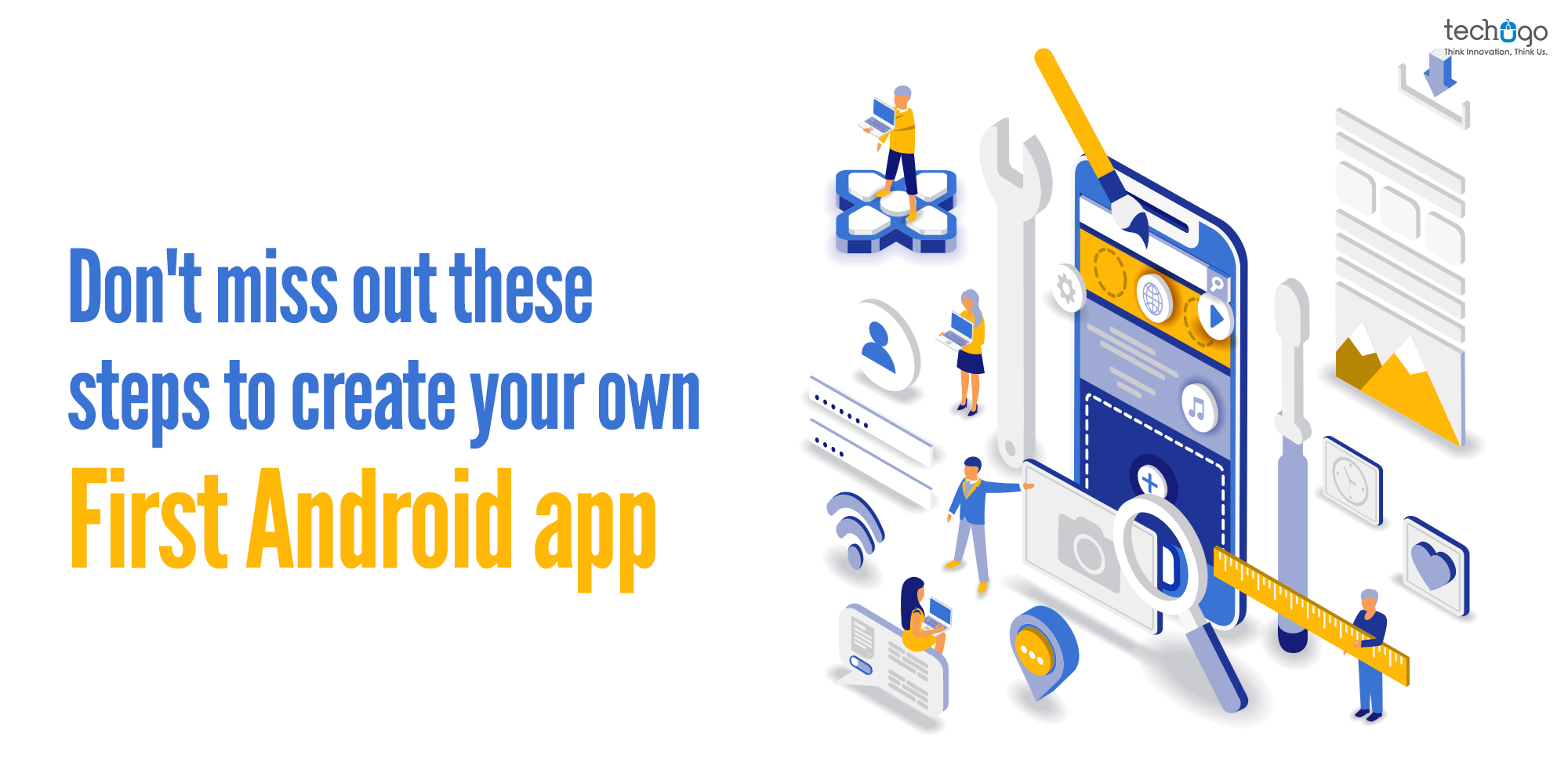


Thinking about building your own app? Well, it’s not rocket science. All you need is a clear plan and the right prerequisites to get started.
In today’s digital-first world, smartphones have become as essential as food. From ordering groceries to managing businesses, everything is just a tap away. That’s exactly why building an app is one of the smartest ways to bring your business or service closer to your users.
But the real question is …how to start?
That’s where we come in. As a mobile app development company, we help turn your first app idea into a successful digital product. Let’s dive in and understand how to build your app the right way.
Before You Build: Decide Your App Platform First
Before you start building your app, it’s important to understand the three main platform choices, Android, iOS, and Cross-Platform. Each one works differently and serves different business needs, so choosing the right one is a key step in your app journey.
Android: Android is a mobile operating system developed by Google. It runs on a wide range of smartphones and is the most widely used platform globally. Apps built for Android are available on the Google Play Store.
iOS: iOS is Apple’s mobile operating system used only on devices like iPhones and iPads. It is known for its strong security, smooth performance, and premium user experience. Apps are published on the Apple App Store.
Cross-Platform: Cross-platform development allows you to build one app that works on both Android and iOS using a single codebase. It helps save time and cost while reaching a larger audience.
Pros and Cons of Android, iOS and Cross-Platform
| Platform | Pros | Cons |
| Android | • Large global user base
• Flexible development environment • Wide device compatibility • Cost-effective publishing on Play Store |
• Device fragmentation
• Requires extensive testing • Performance may vary across devices • Security risks if not handled properly |
| iOS | • High-quality user experience
• Strong security and privacy • Better revenue generation potential • Loyal premium user base |
• Limited to Apple devices only
• Strict App Store approval process • Higher development cost • Less customization flexibility |
| Cross-Platform | • Single codebase for both platforms
• Faster development time • Reduced development cost • Easier maintenance and updates |
• Slightly lower performance than native apps
• Limited access to advanced native features • Dependency on framework updates • UI may not feel fully native in some cases |
Cost Breakdown of Android App Development in 2026
Before we actually jump into building an app, there’s always one question that almost everyone asks first “How much is it going to cost to build an Android app in 2026?”
And honestly, that’s a very valid question.
Because app development isn’t just about writing code, it’s a complete process. And the budget you set plays a huge role in shaping what your final app will look like. It decides the features you can include, the design quality you get, how smooth the performance is, and how scalable your app can become in the future.
For example, expecting to build a highly advanced AI-powered app with just a $10,000 budget isn’t realistic. That’s why understanding the cost upfront is important, it helps you plan better and avoid surprises later.
So, as a mobile app development company working with different business needs, here’s a simple breakdown of Android app development cost based on app complexity:
Basic Apps (Simple Functional Apps)
Cost – $8,000 – $25,000
Ideal for simple applications with basic UI, limited functionality, and static content. Examples include informational apps, calculators, or basic business listing apps.
Mid-Level Apps (Business-Focused Apps)
Cost – $25,000 – $60,000
Includes apps with user login, API integrations, push notifications, payment gateways, and custom UI/UX design. Suitable for startups and growing businesses.
Advanced Apps (Complex & Scalable Apps)
Cost – $60,000 – $120,000+
Built for high-performance requirements with advanced backend systems, third-party integrations, real-time features, and strong security architecture.
AI-Powered / Enterprise Apps
Cost – $100,000 – $250,000+
Includes AI/ML capabilities, automation, predictive analytics, real-time data processing, and enterprise-grade scalability for large-scale operations.
Best Tools and Technologies for Android App Development
Now let’s actually step into the most exciting part, building your app.
Since this is your first app and you’re probably aiming for something affordable and practical, there’s no need to jump into expensive premium tools right away. The Android ecosystem already provides powerful free tools that are more than enough to get you started and build a solid, professional app.
To make it easier, here’s a category-wise breakdown of the best tools you should use:
1. Design & UI/UX Tools (For App Look & Feel)
- Figma – Used to design app screens, UI layouts, and create interactive prototypes before development starts.
- Adobe XD – Helps in designing user-friendly interfaces and visual app flows.
- Canva – Useful for creating simple app assets like icons, banners, and marketing creatives.
2. App Development Tools (For Coding & Building App)
- Android Studio – The official tool used to write, build, and test Android applications in one environment.
- Kotlin – The modern programming language used for building fast and efficient Android apps.
- Java – A widely used language for Android development and backend logic.
- XML – Used to design and structure the visual layout of the app screens.
3. Backend & Database Tools (For App Data & Server)
- Firebase – A complete backend solution for authentication, real-time database, notifications, and analytics.
- SQLite – A lightweight database used to store data directly inside the mobile app.
- AWS (Amazon Web Services) – Used for scalable cloud storage, hosting, and backend infrastructure for larger apps.
4. Cross-Platform Development Tools (For Android + iOS Apps)
- Flutter – A Google framework used to build apps for both Android and iOS using a single codebase.
- React Native – A JavaScript-based framework used to create cross-platform mobile applications efficiently.
5. Testing & Debugging Tools (For App Quality Check)
- Android Emulator – A virtual device used to test your app without needing a physical smartphone.
- Firebase Test Lab – Used to test your app across multiple real devices and Android versions.
- JUnit – A testing framework used to check individual functions and code logic.
6. Version Control & Collaboration Tools
- Git – Helps track changes in your code during development.
- GitHub – A platform to store, manage, and collaborate on code with your team.
- Bitbucket – Another version control system used for team-based development projects.
How to Develop Your Own App: A Step-by-Step Roadmap
Study competitors
Eventually, your competitors teach you a lot, you only need to have an analytical eye to understand their views. You must study them and understand what exactly they are offering to their users, and how far their users are satisfied or dissatisfied with their offerings. Pick what suits your model, but don’t plagiarize, as it will never create a charm for your users. You need to stay at the creative side to provide your users with something different and unique, compared to what is already available in the market.
Design wireframes
A wireframe is more like a blueprint of your app features and functionalities, guiding the navigation and other features in the app design. It is your app’s layout and the flow between the different screens. Here you don’t have to get indulged in the different graphic elements, as it will create a bridge between your raw thoughts and the final product. In simpler words, focusing on wireframing at an earlier stage could save you hundreds of development hours later on.
Start the development
On completing the wireframing, the very next step that you need to proceed with is selecting the platform and coding language. For a client coming from a non-technical background, it is really not an easy task to make this selection, but if you have a clear understanding of your requirements, budget, and target users, then you simply need to share it ahead with your selected app development company and let the magic begin.
You must select a platform as per your requirements and budget, and proceeding with the React Native framework, would be the ideal choice. This will save you money and time in developing two different apps for two different Oss. So programming language is concerned, then for the Android app, the first thing you’d require is Android Studio. After that, you can design the interface of your app using XML and write all the logic using any or all languages like Kotlin, Java, and C++.
An integral part of the development journey; app testing
Whoa!
Your app is ready, now you can deploy…Wait, Dude, there is something most IMPORTANT is still left, and that is TESTING.
Yeah, testing is something you cannot dare to miss even, as it tests bugs, issues, and multiple other factors that slow down your app’s performance. QA analysts conduct different strategies to make your app work seamlessly on the users’ smartphones.
Deploy your app
Now, once your app is fully developed and tested, now it is time to let the world know about it!
Hurray!!
Het wait, but there are many steps still involved before deploying. You need to follow the app guidelines shared by the Play Store. There are different strategies to improve your app store optimization score and help you make the most out of your app.
Google PlayStore rejects at least 55% of app submissions, and there are various reasons for this rejection, such as crashes, bugs, privacy policies, software compatibility, and minimum usability. Therefore, you need to understand and abide by all the guidelines and policies before publishing an app.
App development doesn’t end with app deployment, but a new episode starts with it. This is the main essence of the app life cycle, where you need to consider several other aspects to make your app IN the trend.
App Maintenance
Is there a thing called app maintenance as well?
Well, yes it is not a myth but a core fact, that is required for your app to get maintained and stay updated. Here, you need to keep a track of the bugs, new technology update, feature addition, or smoothing the existing feature. There are a lot many other factors that come within the maintenance bucket, and let your app stay closer to your users’ hearts.
App promotion and marketing
Wondering if app marketing is required???
Hmm, a good question! App marketing is a necessary fact, that cannot be missed, even if your app is developed for a brand or having multiple features and functionalities. Your app needs to be spoken about on a wider level, and this s where marketing steps in, and lets your app to get a voice and speak for itself, stating that how you are different from others.
Don’t leave a space where your app leaves a blank to be covered, but ensure that it is very much part of your brand’s image and enables your audience to get connected with your app.
What to do next???
Well, as we always mention that app development is not an event but a process, that requires constant technical updates to keep it as a trending piece that reflects your business and its offered services. On the other hand, if you want to know how much does it cost to build your own first Android app, then you should know that multiple factors are responsible to trigger the app cost. Henceforth, it is highly recommended to share your app concept with us to help you get the accurate numerical number to serve as the app cost.
If you have got any questions related to android app development, we’re here to help you sail through.
How to Monetize Your Android App Successfully
Once your app starts getting users, monetization becomes the next big focus. But the trick is to earn money without disturbing the user experience. Here are some simple and effective ways it is usually done:
- In-App Ads – Show non-intrusive ads like banners or rewarded videos to generate steady income.
- Freemium Model – Offer basic features for free and charge users for premium or advanced features.
- In-App Purchases – Let users buy extra features, credits, or digital items directly inside the app.
- Subscriptions – Charge users a monthly or yearly fee for continuous access to premium content or services.
Common Mistakes to Avoid While Building Your First App
App building is a critical step, especially when you’re working on your first project. It’s completely normal to make small errors along the way—but the real goal is to avoid the big mistakes that can affect your app’s success, performance, or user experience. As experts in mobile app development, we often see beginners repeat a few common pitfalls that can easily be prevented with the right guidance.
Here are some key mistakes you should avoid:
- Skipping proper planning – Jumping directly into development without a clear roadmap or app structure.
- Ignoring user needs – Building features you like instead of focusing on what your users actually need.
- Overloading features – Adding too many features at once, making the app slow and confusing.
- Poor UI/UX design – Ignoring simple, clean, and user-friendly interface design.
- Not testing properly – Launching the app without checking bugs, crashes, and performance issues.
- Choosing the wrong tech stack – Using tools or frameworks that don’t match your app requirements.
- Ignoring scalability – Not planning for future growth, updates, and increased user load.
Still in doubt?
Don’t worry, this is completely normal when you’re starting something as important as building your own app.
At Techugo, we understand that every great app begins with a simple idea, and turning that idea into a successful product requires the right guidance, planning, and technical expertise. As a trusted mobile app development company, we’re here to support you at every stage, from shaping your concept to launching a fully functional, market-ready app.
Connect with us and share your idea, and our experts will help you transform it into a powerful digital solution that truly stands out in the market.
FAQ
1. Do I need coding skills to build an Android app?
Yes, basic coding knowledge helps, but you can also use cross-platform tools or work with a professional mobile app development company to bring your idea to life.
2. How much does it cost to develop an Android app in 2026?
The cost depends on complexity. Basic apps may start from $8,000, while advanced or AI-powered apps can go beyond $100,000.
3. How long does it take to build an Android app?
It depends on complexity. A basic app may take 1–2 months, while advanced apps can take 4–8 months or more to fully develop and launch.
4. What tools are best for beginners in Android app development?
Android Studio, Kotlin, and Firebase are commonly used tools for beginners as they are free, powerful, and well-supported by Google.
5. Does Techugo also help after app launch?
Yes, Techugo offers post-launch support including maintenance, updates, performance optimization, and feature enhancements to keep your app running smoothly.

Get in touch
We'd love to hear from you.