SA
SA
 KW
KW
 IE
IE AU
AU UAE
UAE UK
UK USA
USA
 CA
CA DE
DE
 QA
QA ZA
ZA
 BH
BH NL
NL
 MU
MU FR
FR


















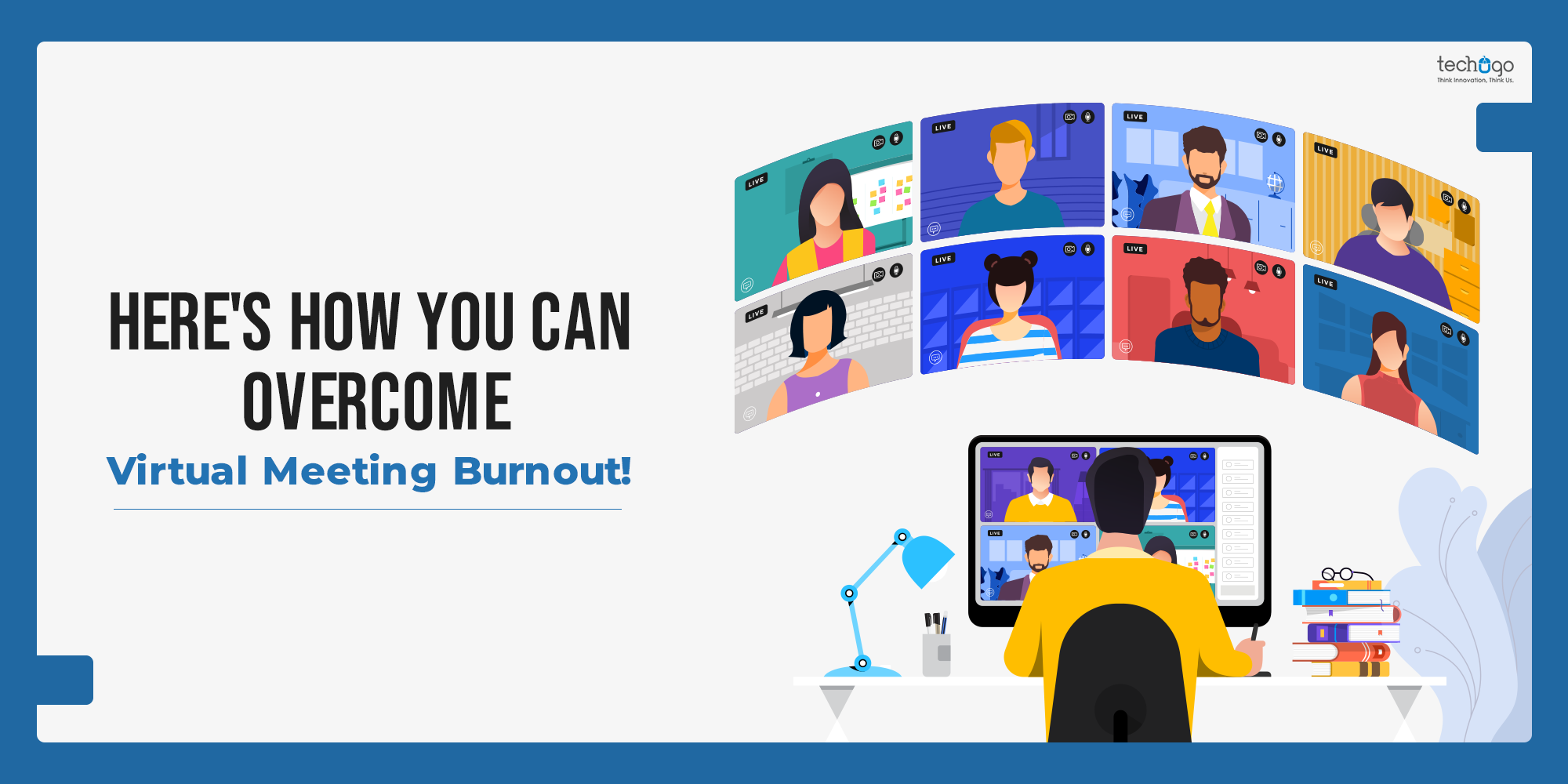


Microsoft’s 2024–2026 Work Trend Index reports that employees spend an average of 57% of their time in meetings, chat, and email.
Another study says that professionals spend 30–50% of their workweek in virtual meetings only. And when it comes to remote employees, they attend 50% more meetings than in-office staff.
All this leads to what…??? Increased fatigue, reduced focus, and lower productivity.
Prolonged use of virtual communication platforms often creates a state of exhaustion that we commonly refer to as virtual meeting burnout.
The problem was triggered after the spread of coronavirus as organizations started adopting the ‘Work From Home’ policy.
Virtual platforms like Zoom or Google Meet are necessary for running seamless operations and communicating while working remotely. But this can negatively impact one’s health leading to constant fatigue.
Therefore, some businesses are now rethinking their digital ecosystems, and are even consulting with top mobile app development companies to build smarter collaboration tools that reduce dependency on long, unproductive meetings.
Are you also experiencing virtual meeting burnout or what is commonly called Zoom fatigue?
Let’s find out!
What is Virtual Meeting Burnout?
Virtual meeting burnout refers to the mental and physical exhaustion caused by excessive participation in online meetings.
Unlike in-person interactions, virtual communication demands higher cognitive effort due to limited non-verbal cues, constant self-awareness, and screen fatigue.
Over time, this leads to disengagement, stress, and reduced efficiency.
Virtual Meeting Burnout vs Work Burnout
At first glance, virtual meeting burnout and general work burnout may seem similar, but they are not exactly the same. And understanding this difference is important if you want to fix the real problem.
Virtual meeting burnout is more specific. It is caused by excessive online meetings, constant screen exposure, and the mental effort required to stay engaged during video calls. You may feel drained even if your workload isn’t that heavy, simply because you are spending too much time in back-to-back meetings.
On the other hand, work burnout is broader. It builds over time due to factors like:
- excessive workload
- lack of work-life balance
- high pressure or unrealistic expectations
- limited control over tasks
Here’s a simple way to look at it:
- If you feel tired after meetings, it’s likely virtual meeting burnout
- If you feel exhausted all the time, regardless of meetings, it’s likely work burnout
In many cases, though, both overlap. Too many virtual meetings can slowly contribute to overall work burnout, making it harder to stay productive and motivated.
That’s why businesses today are not just reducing workloads, but also rethinking how communication happens. Instead of relying only on meetings, many are turning to smarter digital solutions to reduce unnecessary calls and improve team efficiency.
Here’s a quick comparison for better clarity –
| Aspect | Virtual Meeting Burnout | Work Burnout |
| Cause | Too many virtual meetings | Excessive workload, stress |
| Trigger | Screen fatigue, video calls | Long hours, pressure |
| Scope | Meeting-specific | Overall work life |
| Symptoms | Tired after meetings, low focus | Constant exhaustion, detachment |
| Recovery | Reduce/optimize meetings | Rest, workload balance |
Common Symptoms of Virtual Meeting Burnout
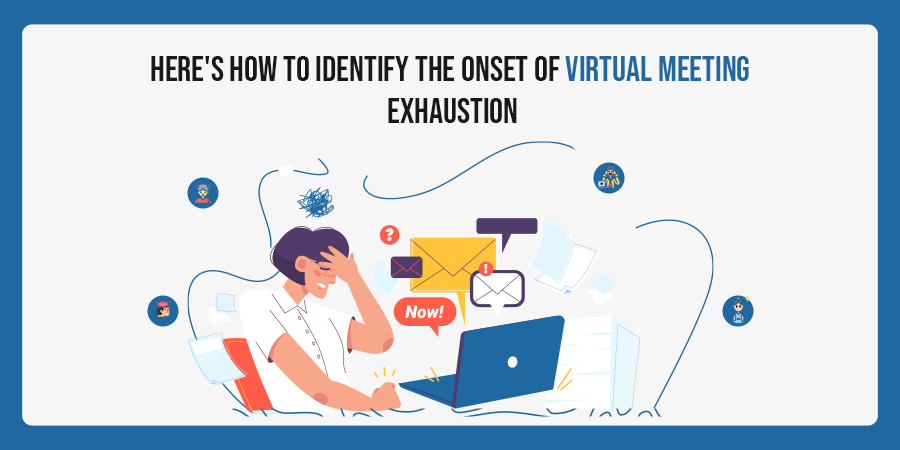
To devise a plan that can help beat virtual meeting fatigue, it is necessary to have a thorough understanding of the actual symptoms.
Check out some of the common symptoms of exhaustion.
- Crankiness and impassiveness towards self and others in the team.
- Canceling of meetings and calls indicating avoidant behavior
- A decline in productivity.
- Constantly missing deadlines
- Delivering low-quality work
- Experiencing a dip in morale
- Prolonged sense of tiredness or unenthusiastic behavior
Have you been experiencing any of the following traits in yourself or your team members?
If yes, then you are most probably experiencing a case of virtual meeting burnout. And, before it further hampers your performance it is necessary that you take immediate steps to avoid the same.
Why Virtual Meeting Burnout Happens
Did you know your brain works harder during video calls than face-to-face interactions?
Human communication heavily relies on non-verbal cues, and in virtual meetings, these cues are limited or distorted. As a result:
- Your brain constantly tries to “fill in the gaps”
- You remain self-aware seeing your own face on screen
- There’s little physical movement, causing mental stagnation
In short, virtual meetings demand more cognitive energy but deliver less emotional connection.
That imbalance is the real cause of burnout.
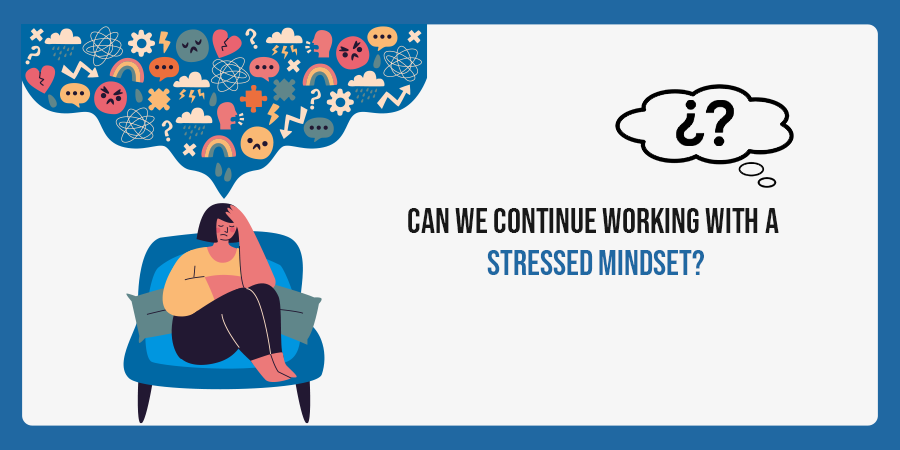
Absolutely not!
We need to find a solution!
How to Overcome Virtual Meeting Burnout
Now comes the important part.
In order to overcome fatigue caused by virtual meetings, we need to optimize our cognitive understanding of the environment and minimize stress caused by physical surroundings.
Check out some of the following ways in which you can implement the same.
1. Schedule break between meetings
A small break is necessary during back to back virtual meetings. Discuss it with the team members and try to integrate a small coffee break of around 10-15 minutes during longer meetings.
2. Redesign meetings, not just reduce them
Instead of cutting meetings completely, make them more efficient:
- Keep agendas clear
- Limit duration to 30–40 minutes
- Avoid unnecessary participants
6. Follow a “Camera-Off” culture when needed
Not every meeting needs video. Allowing audio-only participation reduces pressure and cognitive load. This simple shift can significantly reduce virtual meeting burnout.
4. Make eye contact through the camera
People who make eye contact during communicating activate a circuit called the ‘social brain’ network. This triggers a sense of social connectedness and inborn personality that lead to thoughtful conversations. So relax and look into the camera rather than looking at your own image on the screen to connect better with your team.
8. Use your vocal ranges according to the situations
The tone of your voice carries energy, and it sets the tone of the meeting. Your vocal range has personalities of its own. So sound excited when needed and be firm when required. This variation keeps conversations engaging, instead of flat and draining.
3. Prioritize mental wellness with positive interactions
Situations are obviously tough, therefore we need people to pull through. This can easily be achieved by enforcing a few minutes of positive talk on a regular basis, casual check-ins, and NON-WORK interactions. This can boost morale for self and fellow team members, as it prioritizes mental wellness and promotes the culture of a healthy work environment.
7. Dress up for the call
A great way to cope with stress is by following a routine that involves self-care. Putting effort in dressing up for the meetings, sitting properly, and preparing for the call help simulate a real meeting that leads to better interactions. This can create a sense of normalcy, which improves engagement. It may seem small, but following a routine helps.
5. Add a little flavor to the virtual meetings
Try using fun backgrounds to liven up the scene. Explore the options provided by your meeting service provider and find a background that fits your personality. Doing this will accomplish the goal of promoting social connectedness and will also add a sense of familiarity. It’s not necessary every time but sometimes, it helps break the pattern.
So these were a few of the tips that will surely help you bring an effective change during a virtual meeting. Feel free to share your own experiences and coping mechanisms with our readers.
But until then, stay tuned for more.
The Future of Work: Beyond Meetings
Virtual meetings are not going away but we can overcome virtual meeting burnout through the way we attend online meetings. And those ways are changing.
Companies that rely solely on video calls will continue to struggle with virtual meeting burnout but the future lies in balanced digital ecosystems, where meetings are just one part of communication, not the default solution.
This is exactly why businesses are connecting with leading AI app development companies to design and develop AI-powered custom collaboration platforms that are tailored to their workflow, to their employees.
How Businesses Are Solving Virtual Meeting Burnout with Technology
Virtual meeting burnout is no longer just an employee issue, it has slowly turned into a business-level problem, because the more meetings you have, the less actual work gets done. And therefore, companies are now starting to question – are all these meetings even necessary?
In many organizations, employees have been spending a large part of their day in calls, and because of that, the focus, the energy, and even the motivation were getting affected. It was not just about being busy, but about being mentally drained.
Data says that too – Nearly 45% of employees say “too many meetings” is a major frustration, and a similar percentage report feeling exhausted after virtual calls.
So now, instead of simply cutting down meetings (which honestly doesn’t always work), businesses are rethinking how communication happens.
Here’s how technology is helping solve the problem:
1. Moving Towards Async Communication
Not everything needs to be discussed live, and that realization has changed a lot.
Teams are now using asynchronous methods, where updates are shared through recorded videos, shared documents, and dashboards, so that you can respond when it suits your schedule. It gives flexibility, and also reduces the pressure of being “always available”.
And because of that, unnecessary meetings have been reduced, quite naturally.
2. Using AI for Meeting Summaries
A lot of meetings were happening just because people didn’t want to miss out on information. But now, AI tools are solving that.
They record meetings, and generate summaries, and even highlight key action points, so that even if you were not present, you still know what happened.
This has been helpful, because fewer people are required to attend every call, and therefore, the overall meeting load comes down.
3. Smarter Scheduling, Not Just More Scheduling
Back-to-back meetings were one of the biggest reasons behind fatigue, and companies have started noticing that.
So now, scheduling tools are being used in a smarter way, where:
- breaks are automatically added
- meeting durations are kept shorter
- and time slots are suggested based on actual workload
Some teams have even introduced “no meeting days”, which might sound simple, but it actually works.
4. Replacing Meetings with Collaboration Tools
A lot of meetings were just status updates, and honestly, those don’t always need a call.
So instead, teams are using collaboration platforms where work is visible, and updates are shared in real-time. You can see progress, you can comment, you can decide without jumping on a call every time.
It saves time, and also keeps things moving.
5. Understanding Meeting Data
This is interesting.
Businesses are now looking at meetings as data.
They are tracking how many meetings are happening, how long they last, and whether they are even useful. Because in many cases, meetings were happening without a clear purpose, and people were just attending them out of habit.
Once you see that pattern, it becomes easier to cut down what’s not needed.
6. Creating a Balanced Communication Model
And finally, it’s not about removing meetings completely, because some discussions still need that real-time interaction.
But what companies are doing now is balancing things out. Some communication happens async, some through short calls, and some in deeper discussions when required.
It’s not perfect, and it keeps evolving, but it works better than relying only on meetings.
What This Means Going Forward
Virtual meetings are still important, they are not going anywhere. But the way we use them, that is changing.
Because too many meetings were never the solution, and now businesses are slowly realizing that better systems, and better communication habits, matter more than just staying “connected” all the time.
Best Tools to Reduce Virtual Meeting Burnout
The right tools can quietly reduce your dependence on constant meetings, and therefore, help you manage virtual meeting burnout more effectively.
- Async communication tools – These let you share updates without real-time calls, so you can respond when it suits you.
- Project management platforms – Keep tasks, deadlines, and progress in one place, which reduces the need for frequent check-in meetings.
- AI meeting assistants – They record, summarize, and highlight key points, so not everyone has to attend every meeting.
- Smart scheduling tools – Help avoid back-to-back meetings by adding buffers and optimizing calendars.
- Team collaboration apps – Enable quick discussions and decisions without jumping on calls again and again.
- Video messaging tools – A simple alternative to meetings, where you can send recorded updates instead of scheduling a call.
- Time-blocking and focus apps – Help you protect deep work time, which often gets lost due to excessive meetings.
- Internal communication dashboards – Centralize updates and announcements, so information is accessible without repeated discussions.
Using a mix of these tools, businesses are slowly moving away from meeting-heavy workflows, and toward more flexible, less exhausting communication systems.
To Sum Up
Virtual meeting burnout is real, and it has been quietly affecting how people work, think, and stay productive. What once felt like a convenient way to stay connected has, over time, started to feel overwhelming.
But the problem isn’t virtual meetings themselves. The problem is how often and how inefficiently they are used.
By understanding the signs, identifying the root causes, and making small but meaningful changes, you can reduce the impact. Be it scheduling better, communicating smarter, or using the right tools, every step helps in creating a more balanced workflow.
And slowly, as these changes come together, work starts to feel less exhausting, and more manageable again.
Follow Techugo on LinkedIn for such insights.

Get in touch
We'd love to hear from you.