 SA
 KW
 IE
 AU
 UAE
 UK
 USA
 CA
 DE
 QA
 ZA
 BH
 NL
 MU
 FR




















📌 Key Takeaways
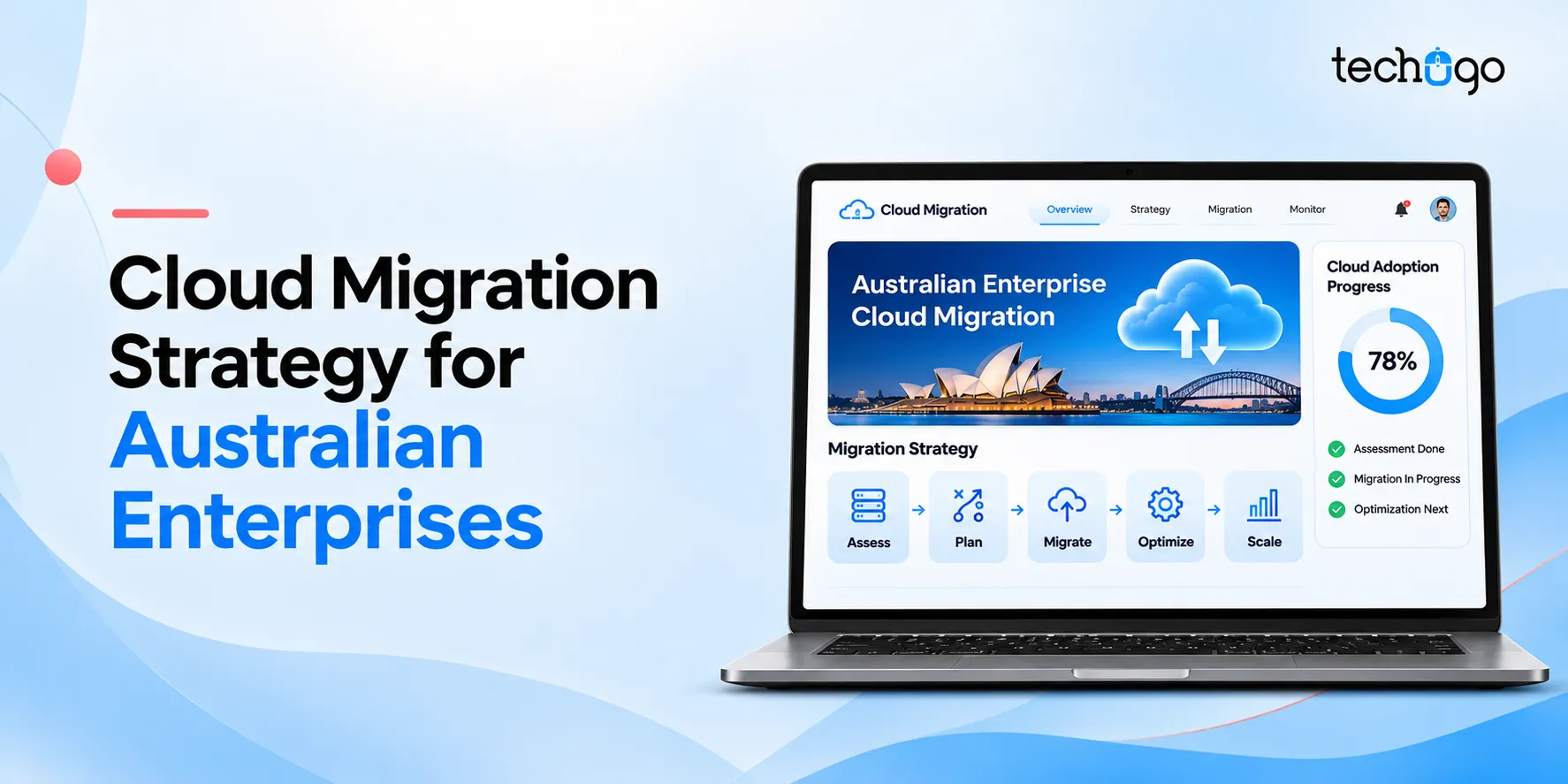
- A successful cloud migration strategy starts with assessing your existing infrastructure, business goals, workloads, budget and migration requirements.
- You can choose from seven migration approaches under the 7Rs framework and four deployment models: public, private, hybrid and multi-cloud.
- Consider Australian data privacy and security requirements, including the Privacy Act 1988, APRA CPS 234 and relevant ASD cloud security guidance.
- Cloud migration in Australia can cost AUD 70,000 to AUD 700,000+, depending on project size and complexity.
Moving your business to the cloud can significantly improve the way you manage applications, data and IT infrastructure. However, a rushed migration without a clear plan could bring unexpected costs, security gaps and operational disruptions.
Besides, Australian enterprises need to comply with local data protection laws, regulations and business continuity requirements for cloud adoption. Therefore, a complete and comprehensive cloud migration strategy is a prerequisite for the migration process.
Gartner estimates end-user spending on public cloud services in Australia will exceed AUD 33,000,000,000. This is growing 17.9% year-on-year. Infrastructure-as-a-Service (IaaS) spending is also likely to increase by 24.1%, which reflects the rising demand for scalable computing resources. This data clearly tells that cloud migration planning is an important consideration for enterprises preparing their infrastructure for future workloads.
A well-planned cloud migration strategy allows you to pick the right cloud environment, prepare your applications, avoid risks and keep costs under control. This blog explains the key migration approaches, seven practical steps, Australian compliance requirements and the factors that influence migration costs.
What is cloud migration strategy?
A cloud migration strategy is defined as a comprehensive documented plan that describes the process of moving IT infrastructure, databases, and business applications to the cloud from on-premises systems. Its essence lies in explaining which workloads are to be migrated, which cloud platform fits your needs, how to safeguard your data, and how to achieve a smooth transition.
Your strategy should cover:
- Business goals: Define what you want to achieve through cloud adoption, such as lower infrastructure costs, better scalability or improved application performance.
- Workload assessment: Review your existing applications, databases, integrations and infrastructure.
- Migration approach: Decide whether to rehost, replatform, refactor or replace existing applications.
- Security and compliance: Identify data protection requirements and access controls.
- Migration roadmap: Set timelines, budgets, responsibilities and testing requirements.
- Post-migration management: Plan ongoing monitoring, maintenance and cost optimisation.
Why Australian enterprises need a cloud migration strategy
Australian businesses work in different sectors; therefore they have different technology and compliance needs. A retail enterprise may focus on handling seasonal traffic, while a financial organisation may care about their data security and regulatory obligations. That is why your enterprise cloud adoption strategy has to correspond to the specific business needs.
Cloud adoption is also creating new expectations around business performance and infrastructure management.
Datacom’s 2025 Cloud and Infrastructure Report, based on responses from 504 Australian organisations, found that fewer than half were achieving the cloud benefits they initially expected.
The findings point to a common issue: moving workloads to the cloud without modernising applications and infrastructure can limit your ROI (return on investment). Your cloud application migration strategy should therefore account for application architecture, resource optimisation and long-term business goals.
Therefore, here are some key reasons to plan your migration:
- Scalability: Increase or reduce computing resources as customer demand changes.
- Infrastructure management: Reduce the effort involved in maintaining physical servers and hardware.
- Business continuity: Use cloud backup and disaster recovery capabilities to support business operations.
- Application modernisation: Update legacy applications and prepare them for modern cloud technologies.
- Data accessibility: Give authorised employees access to business information across locations.
- Regional compliance: Keep user records secure while adhering to the Privacy Act 1988, APRA CPS 234 guidelines for financial firms, and ASD Essential Eight security frameworks.
- AI readiness: Build an infrastructure foundation for machine learning, analytics and AI applications.
Make your cloud adoption plans more practical
Get professional advice on your cloud infrastructure, application modernisation, and migration plans. Find the right approach for your enterprise with Techugo.
Cloud migration frameworks for enterprises: Understanding the 7Rs
7Rs framework shows how to move applications, databases, and workloads to the cloud. You can apply various approaches as per application complexity, business needs, and modernisation objectives.
| Framework | What it means | When to use it |
| Rehost (Lift and Shift) | Move applications to the cloud without major changes | When you need a quick migration |
| Replatform (Lift and Reshape) | Make minor changes to improve cloud compatibility | When you want better performance without rebuilding |
| Refactor (Re-architect) | Redesign applications using cloud-native architecture | When you need better scalability and flexibility |
| Repurchase | Replace legacy software with a cloud-based product | When a suitable SaaS alternative is available |
| Retire | Remove applications that are no longer required | When systems are outdated or redundant |
| Retain | Keep selected applications in their existing environment due to compliance or physical reliance | When migration isn’t currently practical |
| Relocate | Move existing infrastructure to another cloud environment with minimal changes | When transferring virtualised infrastructure |
The research conducted by Datacom in 2025 has revealed that only 49% of Australian organisations have said that the cloud strategies implemented by them met their expectations. One reason was the continuous use of lift-and-shift migration without sufficient application modernisation.
This indicates that one should assess each workload separately. While rehosting might be the quickest way, the applications that require better scalability and performance can benefit more from a combination of replatforming and refactoring.
Your enterprise may need a combination of these approaches, for example, you can rehost an internal reporting application, replatform a customer portal, and refactor a high-traffic business application. Such an approach will help you avoid unnecessary development costs.
Types of cloud deployment models for Australian enterprises
Before embarking on a migration process, it is important to know where your data and applications will be hosted. Your choice of cloud deployment model will have an impact on infrastructure control, security, scalability and ongoing costs.
Here are four deployed cloud models that should be taken into account before starting the process.
1. Public cloud
Public cloud services run on infrastructure managed by third-party providers such as AWS, Microsoft Azure and Google Cloud. You share the provider’s underlying infrastructure with other customers while keeping your applications and data logically separated.
Best for: Enterprises that need scalable infrastructure, flexible computing resources and lower upfront hardware investment.
2. Private cloud
A private cloud provides dedicated cloud infrastructure for a single organisation. You can host it within your own data centre or through a third-party provider. It offers greater control over infrastructure, configurations and access management.
Best for: Financial institutions, healthcare organisations and enterprises with specific security, regulatory or infrastructure requirements.
3. Hybrid cloud
A hybrid cloud combines public cloud services with private cloud infrastructure or existing on-premises systems. You can keep sensitive workloads in a private environment while using public cloud resources for applications that need greater scalability.
Best for: Large Australian enterprises that need to balance data control, regulatory requirements and infrastructure flexibility.
4. Multi-cloud
A multi-cloud environment uses services from two or more cloud providers. For example, you can use AWS for application hosting and Azure for specific business systems. This approach gives you access to different provider capabilities and can reduce dependence on a single vendor. However, managing multiple platforms requires careful planning. If you don’t know, 73% of surveyed organisations in the region had already implemented multi-cloud, while another 17% planned to adopt it within the following year.
Best for: Enterprises with complex workloads, multiple technology requirements or a need to distribute services across cloud providers.
Which cloud deployment model should your enterprise choose?
Choose a public cloud for flexible resources, a private cloud for greater infrastructure control, a hybrid cloud to combine public and private environments, or a multi-cloud setup to use services from different providers. Your choice should depend on security, compliance, workload and budget requirements.
Also Read – Cloud-Native App Development Full Guide: From Zero to Scale
Step-by-step cloud migration process for Australian enterprises
Knowing how to plan migration to cloud keeps projects structured and prevents service disruptions. Your cloud migration planning should follow a clear sequence. These 7 steps of cloud migration help you prepare your infrastructure, manage the transition and measure the results.
1. Assess your existing IT infrastructure
Start by reviewing your applications, databases, servers, integrations and network dependencies. Identify outdated systems, performance issues and applications that handle sensitive information.
2. Define your migration goals and budget
Set measurable objectives for your migration. Decide whether you want to reduce infrastructure maintenance, improve application performance or support business expansion. Prepare a budget covering migration, cloud subscriptions, security and ongoing maintenance.
3. Choose the right cloud platform
Compare AWS, Microsoft Azure and Google Cloud based on your workload requirements, technical environment, security needs and pricing. You can also consider private, public, hybrid or multi-cloud deployment models.
4. Select the right migration strategy
Apply the 7Rs framework to your applications and databases. Choose an approach for each workload based on its complexity, dependencies, business importance and modernisation requirements.
5. Prepare your cloud environment
Set up cloud infrastructure, identity management, network configurations, encryption and access controls. Establish backup policies and monitoring systems before moving critical workloads.
6. Migrate and test your workloads
Move applications and data in planned phases. Test application functionality, data integrity, security and performance after each migration. Keep rollback plans ready in case something goes wrong.
7. Monitor and optimise your cloud environment
Track resource usage, application performance, security alerts and cloud spending after migration. Remove unused resources, adjust computing capacity and review your infrastructure regularly.
A cloud readiness assessment reviews your existing applications, databases, infrastructure, security controls and technical requirements. It helps you identify migration risks, estimate costs and decide which workloads are ready to move to the cloud.
Planning your enterprise cloud migration?
A clear migration roadmap can help you identify infrastructure risks, choose suitable cloud technologies and plan each migration phase.
Australian data privacy, security and compliance requirements
Data sovereignty matters for Australian organisations. Your cloud data migration strategy must account for Australian privacy and cybersecurity requirements. The applicable obligations depend on your industry, the type of information you handle and the services you use.
Consider these important requirements:
1. Privacy Act 1988
If your organisation is covered by the Australian Privacy Principles (APPs), you must handle personal information according to applicable privacy obligations.
2. APP 8
Before disclosing personal information to an overseas recipient, an APP entity generally needs to take reasonable steps to ensure the recipient does not breach the relevant APPs. See the OAIC guidance on cross-border disclosures.
3. APRA CPS 234 compliance
APRA-regulated entities must maintain information security capabilities and manage information security risks, including those involving third parties. Review APRA’s CPG 234 guidance.
4. ASD cybersecurity guidance
Use the Australian Signals Directorate’s Blueprint for Secure Cloud to inform cloud security configuration and management.
You should also review data residency, encryption, identity controls, vendor access and incident response requirements before choosing a cloud provider. Australian data hosting alone does not automatically establish compliance.
Does cloud migration require Australian data hosting?
Not every Australian business is required to store all its data within Australia. However, your organisation must assess applicable privacy, regulatory and contractual obligations, including requirements for overseas data disclosures. Your cloud provider and hosting location should support those requirements.
Working with the Techugo team in Australia that understands these regional standards simplifies compliance reviews and audit processes. Get in touch today to discuss your compliance needs.
How much does cloud migration cost in Australia?
Cloud migration costs in Australia generally depend on the number of workloads, infrastructure complexity, application modernisation requirements and security needs.
For a mid-market enterprise, you can use approximately AUD 275,000 as an initial planning benchmark. However, your actual investment may vary considerably depending on the migration scope.
| Enterprise size | Estimated migration cost |
| Small-scale migration | AUD 70,000–AUD 200,000 |
| Mid-market enterprise | AUD 200,000–AUD 350,000 |
| Large enterprise | AUD 350,000–AUD 500,000+ |
| Government and critical infrastructure | AUD 500,000–AUD 700,000+ |
These are indicative project estimates as per Techugo team. They should be treated as planning ranges rather than fixed market prices.
Your final cloud migration budget will depend on several factors:
- Infrastructure size: The number of servers, applications and databases you need to migrate.
- Data volume: The amount of information that needs to be transferred, validated and secured.
- Migration approach: Rehosting generally involves different costs from application refactoring.
- Security and compliance: Additional requirements may increase assessment, configuration and testing expenses.
- Integration requirements: Connecting existing business applications and third-party systems can add development work.
- Post-migration support: Monitoring, maintenance and cloud optimisation contribute to ongoing costs.
You should also account for cloud subscriptions, licensing, staff training and ongoing infrastructure expenses when preparing your total budget.
For an accurate estimate, assess your existing environment and request a workload-based migration proposal.
Common cloud migration challenges and how to overcome them
Your cloud migration project may face technical, financial and operational challenges. Planning for these issues early can reduce delays and unexpected expenses.
| Challenge | How to address it |
| Legacy application compatibility | Audit dependencies and identify applications that need modernisation |
| Data security risks | Apply encryption, access controls and regular security assessments |
| Unexpected cloud spending | Set budgets, monitor usage and remove unused resources |
| Business downtime | Use phased migration, testing and rollback plans |
| Skills gaps | Invest in hands-on training to give internal teams the confidence to manage daily operations. |
Enterprise best practices and essential migration tools
A successful cloud transformation strategy requires regular reviews and clear accountability throughout the migration process.
Follow these practices:
- Prioritise workloads based on business value and migration complexity.
- Keep backup and disaster recovery plans ready.
- Involve security and compliance teams during planning.
- Test applications before moving them into production.
- Track cloud spending against your approved budget.
- Document migration decisions and responsibilities.
You can also use tools such as AWS Migration Hub, Azure Migrate, Google Cloud Migration Center, Terraform and Kubernetes to support workload assessment, migration and infrastructure management. Select tools according to your cloud platform and project requirements. If you need guidance in selecting tools, get cloud consulting services at Techugo.
How to choose the right cloud migration partner in Australia
Your migration partner should understand your existing technology environment and business requirements. Before selecting a provider, consider:
- Experience with enterprise applications and legacy infrastructure.
- Knowledge of Australian privacy and cybersecurity requirements.
- Expertise in AWS, Azure or Google Cloud.
- A clear migration roadmap with defined milestones.
- Transparent project estimates and communication.
- Testing, maintenance and post-migration support.
Ask potential partners to explain their migration process, risk management approach and how they will measure project success.
Accelerate your cloud migration with Techugo
Moving to the cloud requires careful planning, the right technology and a clear understanding of your existing infrastructure. Techugo helps you assess your IT environment, identify migration requirements and plan a cloud setup that supports your business needs.
Depending on your workloads and technical requirements, your cloud environment can be built around platforms such as Amazon Web Services (AWS), Microsoft Azure and Google Cloud. The right choice depends on factors such as application compatibility, data security, scalability, integration needs and ongoing costs.
Our approach covers infrastructure and workload assessment, cloud architecture planning, application and database migration, security configuration, testing and post-migration optimisation. We also consider migration approaches such as rehosting, replatforming and refactoring to help you decide how each workload should move to the cloud.
You can explore Techugo’s cloud migration services and solutions to understand the areas involved in planning and implementing your migration.
Future trends in enterprise cloud migration in Australia
The demand for AI-ready cloud infrastructure is also influencing enterprise investment. It is predicted that Australian spending on Infrastructure-as-a-Service (IaaS) will reach approximately AUD 9.1 billion by 2027. This represents 22.1% annual growth. Spending on AI-optimised IaaS is expected to grow by 58.5% during the same period.
These numbers point to growing demand for computing infrastructure that can support AI workloads, data processing and enterprise applications.
Cloud adoption will continue to shape how Australian enterprises manage their technology infrastructure. As cloud platforms develop, you should keep an eye on these cloud migration trends in 2027:
- AI-powered cloud management: AI tools can help you monitor workloads, identify unusual activity and improve resource allocation.
- Hybrid and multi-cloud environments: Businesses will continue to use different cloud environments to meet application, security and operational requirements.
- Cloud-native application development: Containers, microservices and serverless computing will support more flexible application architectures.
- FinOps adoption: Enterprises will place greater focus on tracking cloud spending and improving resource utilisation.
- Stronger cloud security: Zero-trust security, automated threat detection and identity management will remain important as cloud environments expand.
A flexible cloud modernization strategy ensures your systems adapt easily as new tools emerge.
Your future cloud transformation plans should account for these changes while keeping business requirements, security and costs in focus.
Conclusion
A successful cloud migration starts with a clear understanding of your business requirements, existing infrastructure and compliance responsibilities. When you assess workloads, select suitable migration approaches and follow a structured roadmap, you can make cloud adoption more manageable and prepare your enterprise for future technology needs.
FAQs
1. What is the best cloud migration strategy for Australian enterprises?
The best cloud migration strategy depends on your business goals, infrastructure and compliance needs. You can use the 7Rs framework to select suitable cloud migration approaches, such as rehosting, replatforming and refactoring.
2. How long does an enterprise cloud migration typically take in Australia?
An enterprise cloud migration can take 3–18 months, depending on application complexity, data volume, infrastructure size and testing requirements. A phased approach helps you manage risks and reduce business disruption.
3. Which cloud platform is best for enterprise migration?
AWS, Microsoft Azure and Google Cloud are popular enterprise options. Your choice should depend on workload requirements, existing systems, security needs, pricing and integration capabilities.
4. What is the difference between rehosting and refactoring during cloud migration?
Rehosting moves applications to the cloud with minimal changes, while refactoring involves redesigning applications to use cloud-native features. Rehosting generally requires less development work, while refactoring supports deeper modernisation.
5. How do Australian data sovereignty laws affect enterprise cloud adoption?
Australian privacy and industry regulations may affect where you store and process business data. Under the Privacy Act 1988, covered organisations must follow applicable privacy obligations, including requirements for overseas disclosures under APP 8.
6. What are the most common hidden costs during cloud migration?
Hidden costs can include data transfer, software licensing, application refactoring, staff training, security testing, integration and ongoing cloud maintenance. Include these expenses in your cloud migration planning.
7. Should enterprises choose a hybrid cloud or multi-cloud architecture?
Choose hybrid cloud if you need to combine private or on-premises infrastructure with public cloud services. Multi-cloud suits enterprises that want to use services from multiple cloud providers.
8. How do you assess cloud readiness before migration?
Review your existing infrastructure, application dependencies, data security, network capacity and technical skills. A cloud readiness assessment helps you create a practical cloud migration plan and identify workloads that need modernisation.
9. What are the seven steps of cloud migration?
The seven cloud migration steps include infrastructure assessment, goal setting, cloud platform selection, migration strategy selection, cloud environment preparation, workload migration and post-migration optimisation.

Get in touch
We'd love to hear from you.