

 SA
SA
 KW
KW
 IE
IE AU
AU UAE
UAE UK
UK USA
USA
 CA
CA DE
DE
 QA
QA ZA
ZA
 BH
BH NL
NL
 MU
MU FR
FR




















📌 Key Takeaways
- ERP software unifies finance, HR, inventory, sales, and supply chain into a single connected platform.
- Popular ERP systems include SAP, Oracle NetSuite, and Microsoft Dynamics 365.
- ERP development costs range from $20,000 for small businesses to $200,000+ for large enterprises.
- ERP adoption boosts productivity by automating repetitive tasks and reducing manual data entry.
- A modern ERP tech stack typically includes React / Angular, Java / .NET, PostgreSQL, and cloud platforms like AWS or Azure.
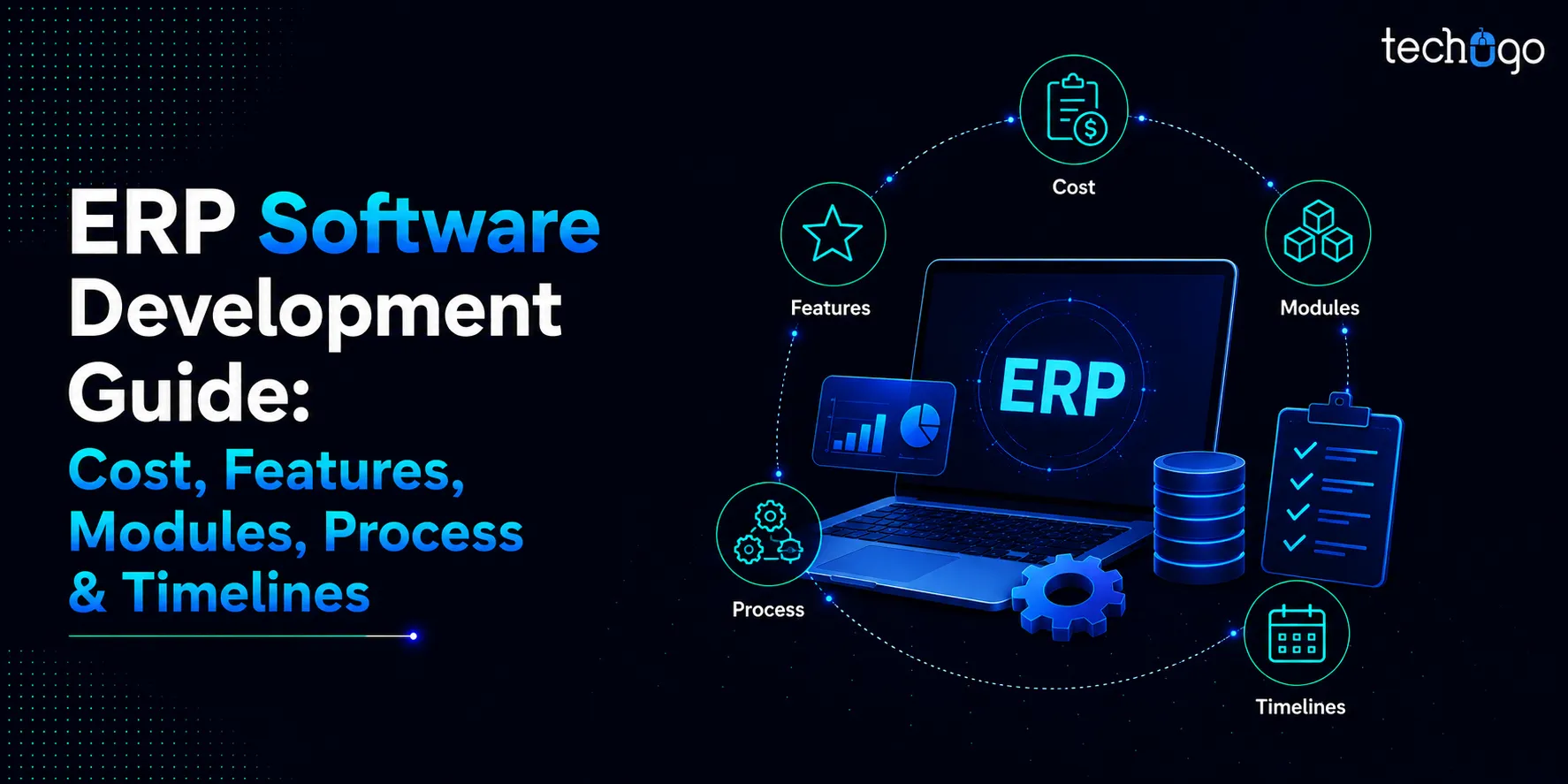
Running a business today means juggling finance, HR, inventory, sales, and supply chain often across disconnected tools and spreadsheets. Enterprise Resource Planning (ERP) software solves this by bringing every core function onto a single, unified platform, giving organizations one source of truth for their operations. From startups to large enterprises, ERP systems like SAP, Oracle NetSuite, and Microsoft Dynamics 365 have become essential for companies looking to scale efficiently. This guide breaks down what ERP software really involves, its core modules, benefits, costs, must-have features, the development process, and the technology stack required to build one.
What Is ERP Software?
Enterprise Resource Planning (ERP) software is all about centralizing and coordinating business operations efficiently. With ERP technology, you can streamline domains such as finance, HR, manufacturing, sales, supply chain, and more, all in one place, creating a single source of truth. Some examples of ERP software include SAP, Oracle NetSuite, and Microsoft Dynamics 365.
How Much Does It Cost To Develop An ERP Software?
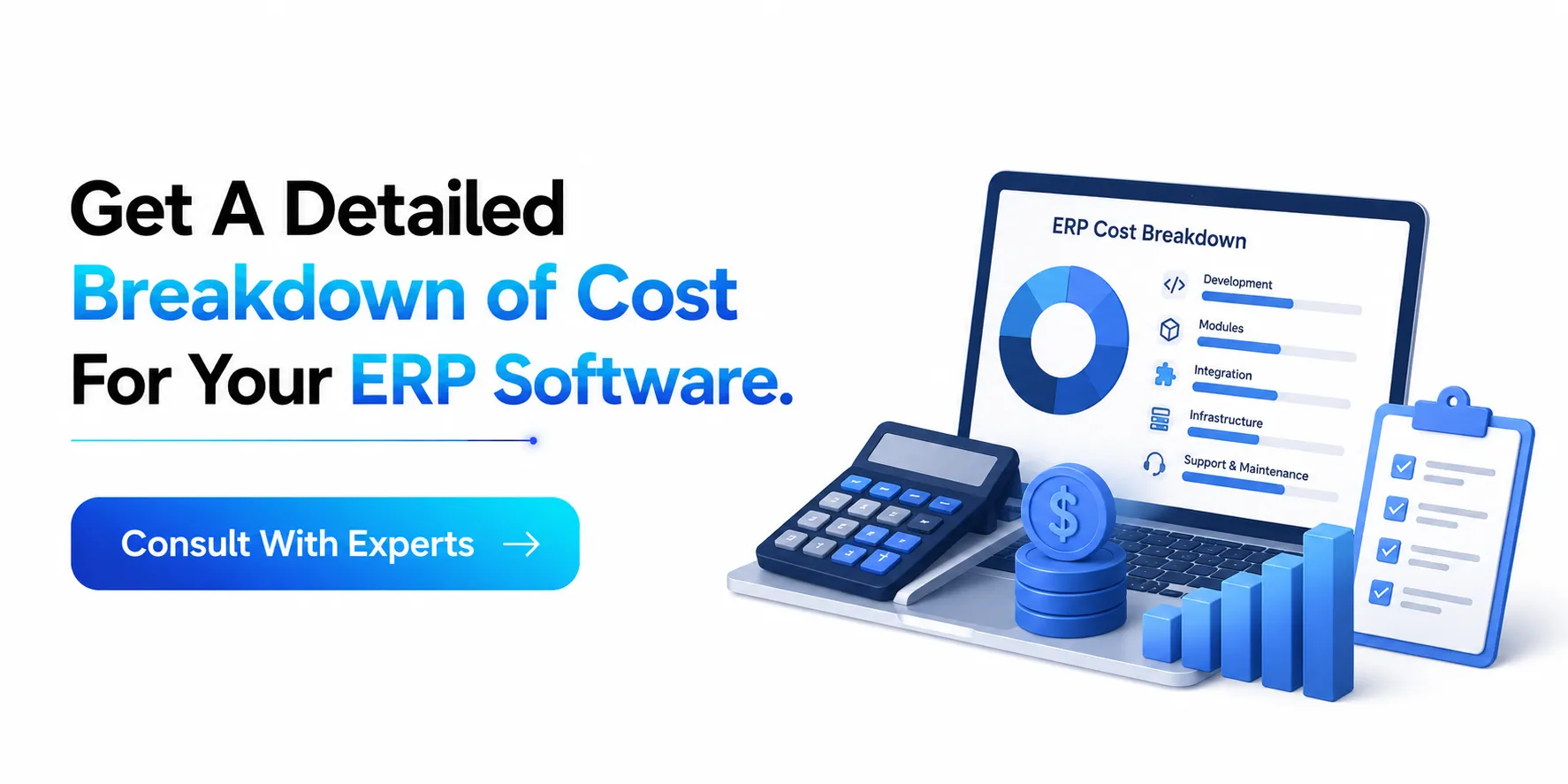
Have you come to the decision of getting ERP software? If yes, then it is extremely important to know the ERP software development cost, which includes:
| Business Tier | Estimated Cost (USD) |
| Small Business | $20,000 – $60,000 |
| Mid-size Business | $60,000 – $140,000 |
| Large Business | $140,000 – $200,000+ |
Core ERP Modules To Understand
Enterprise software development services bring together the different functions of a business into one connected platform. Instead of finance, inventory, and HR living in separate spreadsheets or disconnected tools, an ERP ties everything in a single source. Here’s a breakdown of the ERP software modules that make up most systems:
1. Finance & Accounting
This is the backbone of nearly every ERP system. It handles general ledger, accounts payable, and receivable, budgeting, fixed assets, tax compliance, and financial reporting. Because every module ultimately touches money in some way, finance is usually the module everything else feeds into. And if you are looking for this aspect of finance & accounting, then software development consulting is the thing for you.
2. Human Resources
Manages the employee lifecycle: recruiting, onboarding, payroll, benefits administration, time and attendance, and performance management. Larger systems extend this into full Human Capital Management (HCM), covering learning and development, succession planning, and workforce analytics.
3. Inventory Management
Tracks stock levels, warehouse locations, stock movements, and reorder points. It gives real-time visibility into what’s on hand, what’s in transit, and what needs to be reordered. This is critical for avoiding both stockouts and excess inventory, with the help of an ERP software development company in the USA.
4. Supply Chain Management
Coordinates procurement, supplier relationships, demand planning, and logistics. This module manages the flow of goods from raw materials to finished products, often integrating with inventory and manufacturing modules to keep production aligned with demand.
5. Manufacturing / Production
For companies that make physical products, this module handles bills of materials (BOM), production scheduling, shop floor control, and quantity management. It helps plan what to produce, when, and with what resources.
6. Sales & Customer Relationship Management (CRM)
Tracks leads, opportunities, quotes, and orders, and often overlaps with dedicated CRM tools. It gives sales teams visibility into customer history, order status, and pipeline, while feeding data back into finance and inventory.
7. Procurement / Purchasing
Manages the process of buying goods and services. This includes purchase requisitions, purchase orders, vendor management, and approval workflows. It is closely linked to both finance (spend tracking) and inventory (incoming stock).
8. Order Management
Handles the full order-to-cash cycle: order entity, fulfillment, shipping, invoicing, and returns. This module ensures orders move smoothly from the moment a customer commits to purchase through to final delivery and payment, which is possible through custom ERP software development services.
9. Project Management
Useful for service-based or project-driven businesses, this module tracks project budgets, timelines, resource allocation, and billing tied to specific projects or client engagements.
10. Business Intelligence & Reporting
Most modern ERPs include dashboards and analytics tools that pull data from every other module to generate forecasts and KPIs. This turning of raw operational data into decision-making insights is what helps an ERP software development company.
Types of ERP Software
Enterprise resource planning software helps businesses manage and integrate core processes such as finance, human resources, inventory, sales, procurement, manufacturing, and customer management. ERP systems can be classified into different types based on their deployment methods, business size, industry, and specific functionality.
1. On-Premise ERP Software: On-premise software is installed and operated on a company’s own servers and IT infrastructure. The organization is responsible for managing system maintenance, security, updates, and backups.
2. Cloud-Based ERP Software: This ERP platform is hosted by a third-party provider and accessed through the internet. The provider typically manages infrastructure, maintenance, security updates, and system upgrades.
3. Hybrid ERP Software: Hybrid ERP combines on-premises and cloud-based systems. Businesses can keep certain applications or sensitive data on their own infrastructure while using cloud services for other functions.
4. Industry-Specific ERP Software: These ERP solutions are designed for the unique requirements of particular sectors such as healthcare, construction, manufacturing, retail, education, or hospitality. They often include specialized workflows and compliance features.
5. Open Source ERP Software: Open source ERP software provides access to the underlying source code, enabling businesses or developers to modify and customize the system. It can offer greater flexibility, although implementation and ongoing technical management may require specialized expertise.
Custom ERP v/s Off The Shelf ERP: Which One Should You Choose?
Choosing between custom-made and ready-made is a hard choice that business owners need to make. Elements in a custom-made platform are really good and suit the business, as it is custom-made. But the issue lies in its high cost. However, off-the-shelf or ready-made ones may not match business specifics, but their cost will be lower. Thus, a list of factors is mentioned; on that basis, you can select the one which fits your business.
| Factor | Custom ERP | Off-The-Shelf ERP |
| Development | Built specifically for the business | Pre-built for multiple businesses |
| Initial Cost | Usually higher | Usually lower |
| Implementation Time | Longer | Generally faster |
| Customization | Very High | Limited to moderate, depending on the platform |
| Scalability | Can be designed around future requirements | Depends on the vendor and product |
| Maintenance | Managed by the business or development partner | Usually handled by the vendor |
| Integration | Can be designed for specific systems | Depends on available integrations |
| Flexibility | Very high | Depends on configuration options |
| Vendor Dependency | Lower, depending on ownership | Usually higher |
| Best For | Businesses with unique or complex requirements | Businesses with standard processes |
What Are Some of The ERP Software Benefits?
When you take a look at the ERP resources, you will find various range of benefits. So, it is important to explore the benefits of ERP software, which include:
1. Improve & Scale Business Processes: Workflows that are repeatable in nature are key to sustainable business growth. Thus, an ERP solution standardizes and automates processes, which assists businesses in growing with less friction. Hence, digital transformation services are also a great opportunity to look into this domain.
2. Resource Management Is Enhanced: With the help of ERP, you are in a better position to check workforce, assets, and inventory visibility. Here, the central database extracts information from various departments and aligns it effectively. Moreover, the analytics and reporting tools offer a high level of understanding of how resources are connected and applied.
3. Increases Supply Chain Visibility: For the longest time, manufacturers and distributors have enjoyed the benefits of applying ERP. This is because ERP integration systems have helped them reap the benefits through effective supply chain management. The software suggests transportation routes and predicts demand fluctuations consistently.
4. Productivity & Efficiency Is Boosted: Through automation, team members are able to complete tasks even with limited resources. Accuracy and project time completion enhances when limiting manual data entry is limited. On top of this, managers spend less time finding and fixing mistakes. So, when looking for productivity and efficiency, you can go for legacy application modernization.
5. Better Forecast & Insights: Moreover, ERP solutions help in identifying patterns, optimizing operations, and enhancing efficiency, which in turn reduces costs and improves profit. For the benefit of employees, they are able to monitor all operational and financial metrics under a single hub.
6. Compliance Is Aligned: Under compliance, businesses get the best of online ERP solutions through their support in compliance across multiple regions. Going a step further, ERP tools handle standard compliance tasks such as tax calculation and data management.
Must Have Features In Modern ERP Systems
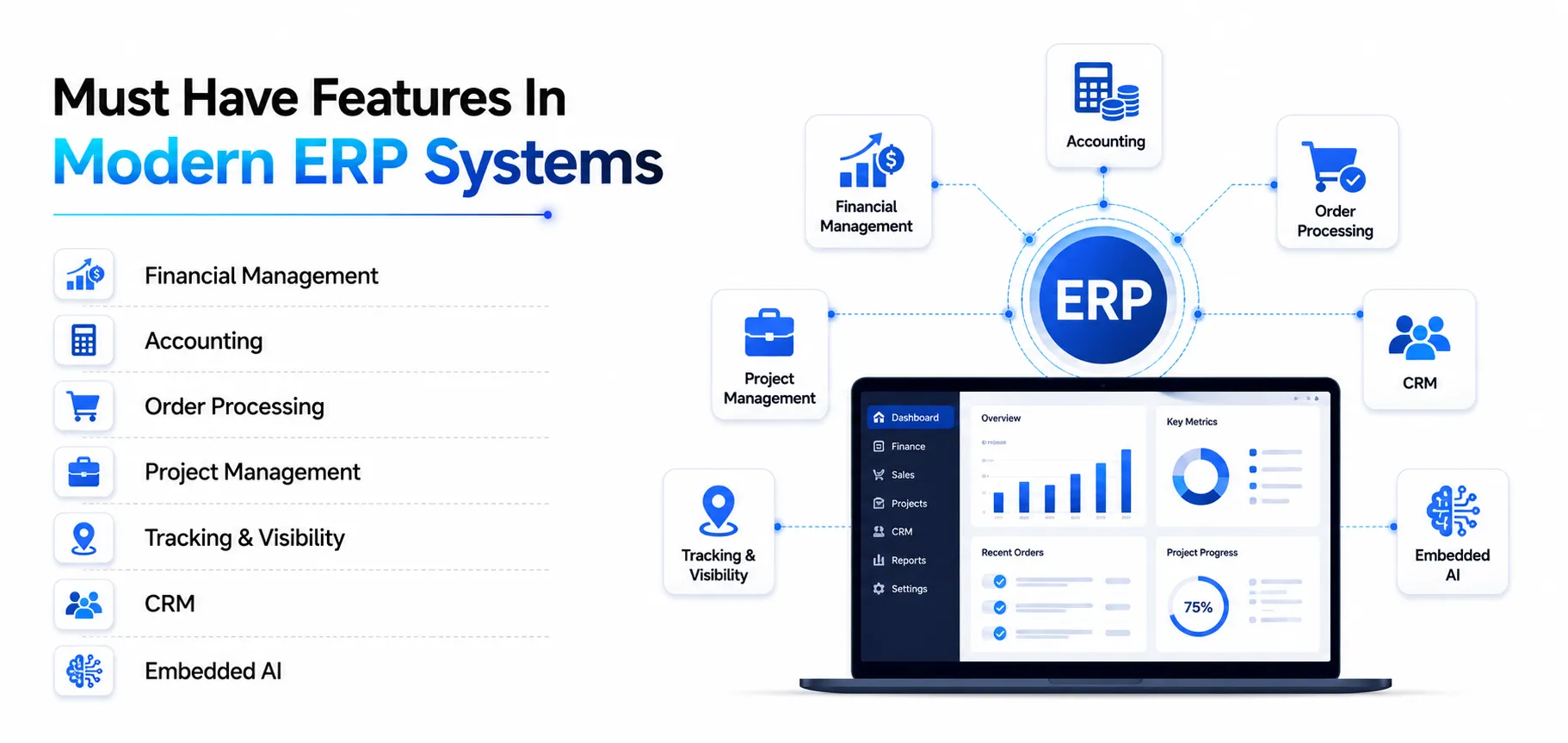
ERP software development solutions are built on core features that drive their performance consistently. The exact features may vary from provider to provider, but many of them contain the same concepts. So, here are some of the common ERP features to keep in mind when connecting with an ERP solutions company:
1. Financial Management
Financial management is an umbrella term that includes the likes of payables, expenses, receivables, cash management, revenue recognition, and even aspects of forecasting and budgeting. Hence, you can get all of these features with the help of a custom ERP software development company.
2. Accounting
When looking for ERP software features in accounting, it includes the likes of cash flow, general ledger, accounts receivable and payable, and other accounting aspects. These are customisable in nature and can be applied according to the needs of the organisation. This centralised mechanism helps businesses to pull data from various functions of accounting. Moreover, cloud consulting is an aspect of accounting you can always rely on.
3. Order Processing
Taking orders from customers and fulfilling them is what order processing is all about. Such features will help you capture stages from initial order capturing to delivery and payment. Collecting information from other departments concerning order processing becomes much easier, which is helpful in ERP software development.
4. Project Management
ERP systems often provide strong project management capabilities that assist companies in organizing, assessing, carrying out, and tracking projects from start to finish. Thus, creating comprehensive project plans with task deadlines and dependencies is one of the features of ERP integration services.
5. Tracking & Visibility
Tracking and visibility enable organizations to surface, track, and monitor business metrics; this is one of the powerful features of ERP software. Therefore, access to real-time information that is spread countrywide is one of the benefits of ERP software.
6. Customer Relationship Management (CRM)
CRM capabilities within ERP systems integrate customer relationship data, giving businesses a more comprehensive view of their customers and operations. Contacts, customer orders, order histories, and prospect status can be stored in a centralized and easily accessible database. Businesses looking to build or integrate customized CRM capabilities can leverage CRM software development services.
7. Embedded AI
To automate and speed tasks, artificial intelligence is being applied to leading ERP systems. This means that the system is designed in a manner where employees can submit and extract reports through a smartphone. Moreover, developing narrative descriptions and summarizing financial reports with Gen AI capabilities is the thing to do.
ERP Software Development Process: A Step-By-Step Process
An ERP system is the most crucial aspect on which the success or failure of an organization rides. So, when you are seeking an ERP software development company, consider these steps of development:
1. Analysis & Planning: Collecting as much information as possible and going ahead with it is what is necessary here. You need to point out aspects such as who the target audience is. What are the objectives of the project?
2. Thorough Design: Now, the project is in the hands of the design team, who will work on UI/UX elements. Determining how the platform will look and feel is the main idea here, which also gives way to seamless navigation. Therefore, the wireframes are developed, and the organizational measures determine the implementation of systems.
3. Development: This is where the core SaaS development happens. An ERP solutions company analyzes the connection between the tools and constructs appropriate architecture. Moreover, the old data can be converted into the new one.
4. Testing: Once the development stage is complete, it would be wise to test the system before it goes live. Here, performance and tools are tested, and if the results are satisfactory, then users are tested on it.
5. Deployment: After the successful completion of testing, now is the time to check the system in a live setting. The best step is to launch a beta version and evaluate the response. If it works fine, you can say the ERP system implementation phases have worked a treat.
6. Support & Maintenance: Launching the ERP system is not the last step. After it is live, some errors may occur, and you will receive some feedback from users. Implementing them with appropriate downtime and regular updates ensures that the app platform is functioning well.
ERP Software Security & Compliance
ERP software brings critical business functions such as finance, HR, inventory, procurement, sales, and customer information together in one system. While this centralization improves efficiency and visibility, it also makes ERP security a major business priority.
A security breach, unauthorized access, data loss, or compliance failure can disrupt operations and expose sensitive business information. Therefore, organizations need an ERP system with strong security controls, reliable data protection, and compliance capabilities.
ERP Software Development Carries These Tech Stacks
Building an ERP system means architecting for scale, data consistency, and integration across many business functions at once. Unlike typical web app development, ERP software has to reliably handle heavy transaction loads, complex reporting, and connections to dozens of other systems, so the tech stack choices matter more than usual.
| Layer | Tech Stack Used |
| Frontend | React, Angular, Vue.js, TypeScript |
| Backend | Java, .NET Core, Node.js |
| Database | PostgreSQL, MySQL, Oracle DB |
| API & Integration | REST APIs, GraphQL, SOAP |
| Cloud & Infrastructure | AWS, Microsoft Azure, Docker |
| Security | TLS/SSL Encryption, OAuth 2.0, SSO |
| DevOps & Deployment | Jenkins, GitLab CI/CD, Terraform |
| Reporting & BI | Power BI, Tableau, Apache Superset |
| Testing & QA | Selenium, JUnit, Postman |
Why Choose Techugo?
Are you going through the challenge of building an ERP software on your own? Don’t do it if you don’t have the expertise. Instead, go for ERP software development services like Techugo, which is an expert in providing professional services in this domain.
Conclusion
ERP software centralizes critical business functions, including finance, HR, inventory, supply chain, manufacturing, and CRM, into one connected system, eliminating silos and improving visibility across the organization. Development costs range from $20,000 for small businesses to $200,000+ for large enterprises, depending on complexity and scale. A successful ERP build follows a structured process: analysis and planning, design, development, testing, deployment, and ongoing support. With features like financial management, embedded AI, and real-time tracking, combined with a robust tech stack planning frontend, backend, cloud, and security layers, a well-built ERP system becomes a long-term driver of efficiency, scalability, and informed decision-making.
FAQs
Q) What are the core modules of an ERP system?
Ans) Most ERP systems include:
- Finance & Accounting
- Human Resources
- Inventory Management
- Supply Chain Management
- Manufacturing / Production
- Sales & CRM
- Procurement
- Order Management
- Project Management
- Business Intelligence & Reporting
Q) How much does it cost to develop an ERP software?
Ans) Costs vary by business size: small businesses typically spend $20,000 – $60,000, mid-size businesses $60,000 – $140,000, and large enterprises $140,000 – $200,000+, depending on complexity and scale.
Q) What are the main benefits of using ERP software?
Ans) ERP software improves and scales business processes, enhances resource management, increases supply chain visibility, boosts productivity and efficiency, delivers better forecasting and insights, and helps align regulatory compliance.
Q) Who are the primary users of ERP systems?
Ans) ERP systems’ primary users include finance & accounting teams, HR personnel, inventory & warehouse managers, supply chain procurement staff, manufacturing/production teams, and many more.
Q) How does embedded AI enhance ERP systems?
Ans) Embedded AI automates and speeds up tasks, enables report submission and extraction via smartphone, and helps generate narrative descriptions and summaries of financial reports using generative AI capabilities.

Get in touch
We'd love to hear from you.