


 SA
SA  KW
KW  IE
IE AU
AU UAE
UAE UK
UK USA
USA  CA
CA DE
DE  QA
QA ZA
ZA  BH
BH NL
NL  MU
MU FR
FR [ LET’S TALK AI ]
X
Discover AI-
Powered Solutions
Get ready to explore cutting-edge AI technologies that can transform your workflow!



Get ready to explore cutting-edge AI technologies that can transform your workflow!






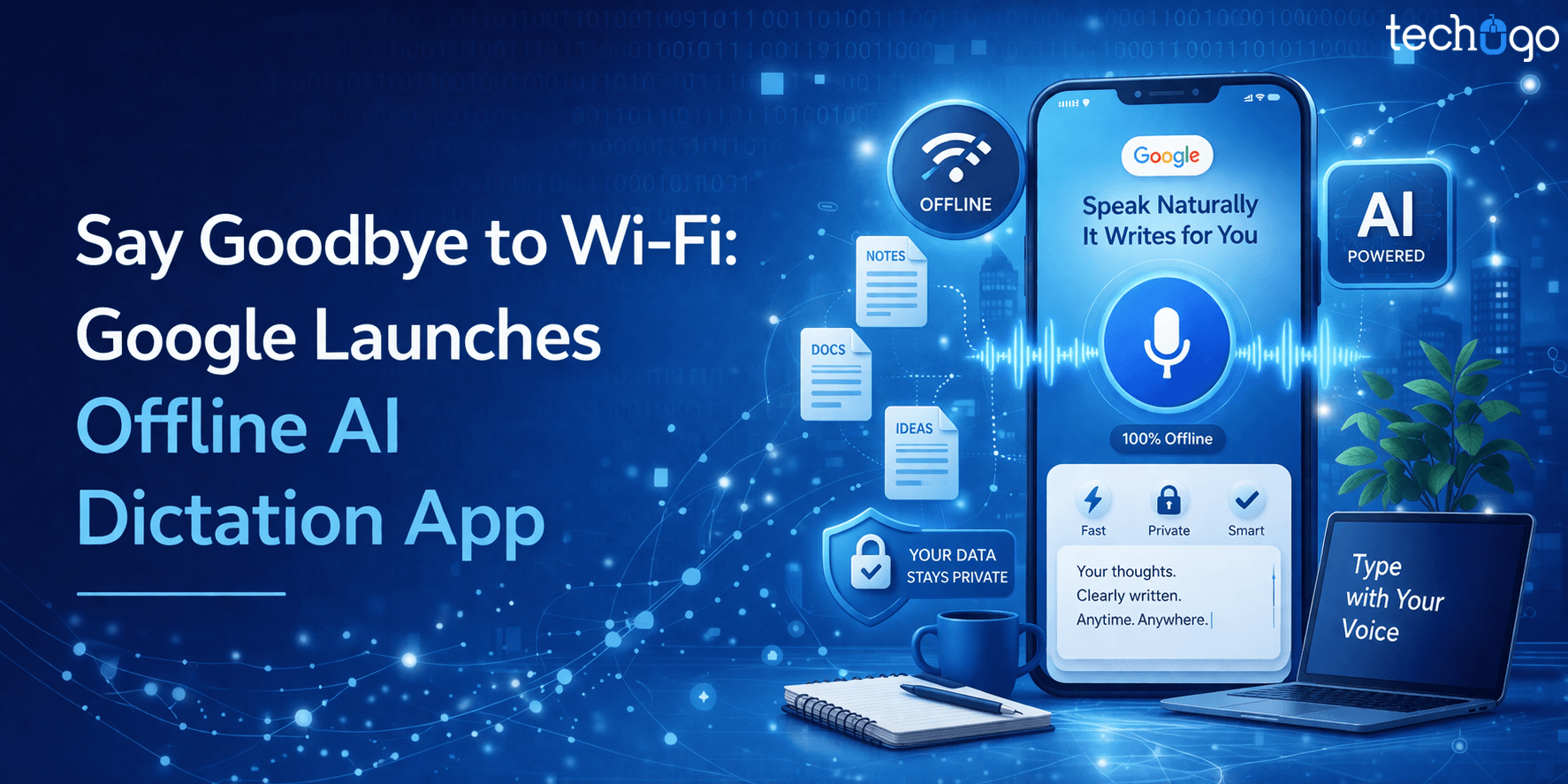
Google’s new Google AI dictation app, called Google AI Edge Eloquent, runs fully on-device, and it works even when there is no internet connection. It was quietly released on April 6, 2026 but there was no official press release or announcement, that’s why many users didn’t notice it at first. It offers live transcription of speech and it also cleans up your words automatically in real time which makes it quite useful.
So when you use this AI voice typing app, you simply tap the record button and start speaking, and the app shows a waveform along with live captions as you talk, and when you pause, it instantly removes filler words like “um” or “uh,” (because it is designed to improve clarity) and converts your speech into clean, readable text.
At the same time, this speech-to-text AI solution also tracks your words-per-minute speed and word count so that you can actually see how fast you are speaking and how your thoughts are flowing. It was built in a way that feels simple but it still works like a powerful dictation app without internet which is why it stands out.
Overall, Google AI Edge Eloquent is not just another Google dictation app, but it is also a smart offline voice typing and AI transcription app that shows how Google voice typing offline has improved a lot, and has become more practical for everyday use.
Google AI Edge Eloquent is a free and simple Google AI dictation app and it is designed as an offline AI dictation solution that works directly on your device. It allows you to speak and then it converts your speech into written text on your iPhone. And yes, you don’t need any internet connection at all, that’s why it feels like a reliable dictation app without internet. Also, it works smoothly for everyday use.
What’s interesting is that Google launched this Google dictation app very quietly; there was no press event, no big announcement. It just appeared on the App Store on April 6, 2026. Many people discovered it later. An Android version is mentioned but it is not available yet, that’s why the current focus is iPhone users.
Under the hood, this AI voice typing app uses Google’s latest Gemma on-device speech recognition models, and these models are built to run efficiently on smartphones. These are also called AI Edge models and they are designed in a way so that everything happens locally on your phone. Because of this setup, your data stays on your device and it does not need to be sent to the cloud which is a big advantage. So this speech-to-text AI system is not only fast but it is also more private and secure, and that is something users really care about now.
The name “Eloquent” itself suggests the purpose, and it is meant to turn your raw speech into clear and polished text. This AI transcription app does more than just basic transcription as it also edits your speech in real time, for example, it removes filler words like “um” and “uh,” and also fixes mid-sentence corrections, so that the final output looks clean and professional. So instead of showing every small mistake, it understands what you are trying to say and then it rewrites it in a smoother way.
In a way, it works as both an offline voice typing tool and a smart editor, which makes Google voice typing offline much more advanced than before, and also more useful for real-world tasks.
The Google AI dictation app, Google AI Edge Eloquent, comes with several useful features, and the interesting part is that all of them work offline, so it truly feels like a dictation app without internet.
By default, the app runs completely on your device, and it uses local Gemma-based speech recognition models. So, you can speak and get real-time transcription without Wi-Fi, which makes this offline AI dictation tool very reliable.
There is also an option to turn on “cloud mode,” but it is optional, and when you enable it, it connects to Google’s Gemini models for extra refinement. However, the core experience still stays local, and therefore your data remains private.
As you speak, the app shows live text along with a waveform and it keeps updating continuously. When you stop or even pause, it quickly refines the text and removes filler words like “um” or “uh,” so that the output looks clean. So this AI voice typing app does not just convert speech but it also edits it at the same time which makes it feel like a smart human assistant listening to you.
One of the most powerful features is its built-in editing tools, and they are quite flexible. You can choose options like Polish, Key Points, Formal, Short, or Long, depending on what you need.
For example, the “Key Points” option turns your speech into bullet points, and the other options adjust tone and length. Because of this, the app works as an AI transcription app and also as a writing assistant, which is quite helpful.
The app also learns your words over time and improves accuracy based on your usage. Plus, you can manually add names or technical terms also and even connect your Google account so that it can easily import frequently used words. So, industry-specific terms are handled better, and this speech-to-text AI becomes more accurate as you use it.
Eloquent keeps a record of your sessions so you can go back and check previous transcripts anytime and it also shows stats like total word count and speaking speed which can be useful if you want to track productivity. This makes offline voice typing not just functional, but also measurable in a way.
Right now, the app works as a standalone tool, but Google has mentioned future updates. It is expected to support iOS keyboards soon, so that you can use it across apps.
There are also hints of Android integration, where it could work as a default keyboard or floating mic, and that would make Google voice typing offline even more accessible.
Another strong point is that the app is completely free and there are no subscriptions or usage limits. Many other tools charge monthly fees but this Google dictation app offers everything without cost which makes it more attractive.
Overall, it is not just a basic AI voice typing app but feels like a complete next-generation tool. It combines offline AI dictation, smart editing, and flexible rewriting features, that’s why, it stands out from traditional voice-to-text solutions, even if the flow sometimes feels simple, yet powerful at the same time.
A key selling point of the new app is privacy and data control. Because Eloquent runs locally, your voice data stays on your phone. Google emphasizes “uncompromising privacy”: all machine learning processing happens on-device, so your recordings and conversations never leave the handset. There is no need to upload audio to a server (unless you opt-in to cloud mode). This on-device AI approach – sometimes called “edge AI” – means instant results and no dependence on network speed. For anyone wary of sending voice to the cloud, this offline-first design is a big advantage.
Industry analysts note that on-device AI is a growing trend. It offers faster response (no round-trip to a server) and better privacy. Google’s work on mobile speech models (Gemma) enables Eloquent to deliver high accuracy without servers. The app can even process a full dictation offline and then later sync or enhance if you go online.
You might wonder why Google snuck out this app now. Tech blogs point out that Google quietly released Eloquent with no announcement. It seems aimed at both testing new AI Edge tech and competing in the booming voice AI market. With other startups (like Wispr Flow, Letterly, Willow, etc.) showing interest in AI transcription, Google likely wanted to stake a claim by offering a dictation app without internet at no charge. The timing (iOS first) is unusual – Google usually launches on Android – suggesting this is an experiment to gauge user response.
The app’s tech also aligns with Google’s broader AI strategy. It leverages Gemini and the new “Google AI Edge” brand for on-device models. In effect, Eloquent showcases Google’s advances in shrinking large language/speech models to run on phones. If this initial rollout is successful, we may see similar voice features directly built into Android or Google Workspace apps in the future.
Users no longer need to type by hand or worry about poor network. Whether you’re on a plane or in a basement meeting room, Eloquent works. This is great for journalists taking notes on the go, students recording lectures, or busy professionals dictating emails by voice.
The AI editing means the transcript is immediately polished. Busy writers get a draft where filler words are gone and sentences flow logically. This saves time on revision. For example, a user might dictate a quick summary of a meeting and get back a neatly formatted list of key points automatically.
Built-in stats help productivity geeks track speaking rate. Knowing you can speak at 150+ WPM and have that instantly written is empowering. Teams can replace slow typing with speech, accelerating content creation or note-taking.
While current release is English-only, the underlying tech could expand to more languages. Even now, it aids accessibility: voice typing helps people with disabilities or anyone who thinks faster than they can type.
In industries that are regulated such as healthcare, finance, legal, it is crucial to keep data on-device. Therefore Eloquent is great for doctors or lawyers to dictate sensitive notes securely, since the audio never hits external servers.
Companies that are using AI tools like Eloquent can streamline workflows. A sales team, for example, might use it to transcribe calls and then share polished transcripts and key action points. Content marketers could draft outlines by talking, then quickly edit them. All without extra software cost (Eloquent is free) and minimal setup.
Because the app is free with unlimited use, individuals and organizations save money compared to subscription-based dictation services. No monthly fees or usage caps means anyone can use this offline AI dictation app at scale.
Reporters on deadline can dictate interview highlights and get a clear transcript instantly. Writers can brainstorm story ideas by voice, letting the AI refine their notes.
Students can record lectures or study notes by speaking, then review a tidy text summary afterward. Teachers could use it to convert oral feedback into written comments.
Teams can have Eloquent run during meetings (with permission), capturing discussions and automatically generating minutes with bullet points of key decisions.
Doctors or field agents can dictate patient notes on the fly. Offline mode ensures functionality even in remote areas without coverage.
As voice AI improves, apps like Eloquent move typing from fingers to speech. Commuters could draft blog posts or emails by voice during their transit time, bypassing the need to glance at screens.
The possibilities extend anywhere accurate speech-to-text is valuable. Google’s free speech recognition app essentially turns your iPhone into a portable transcription and dictation studio.
Google’s AI Edge Eloquent clearly shows how powerful a Google AI dictation app can be, especially when it runs on-device. It delivers offline AI dictation, smooth editing, and smart processing in the palm of your hand, and that too without needing the internet. This change is important because it’s not just the assistant that needs voice; voice is the primary way we create, write, and communicate.
That’s why businesses are starting to explore their own AI voice typing app or AI transcription app; they want solutions that are fast and easy to use. And because users now expect offline voice typing and seamless experiences, the demand for such tools has been growing steadily.
If you are impressed by this Google dictation app, and you are thinking about building a similar speech-to-text AI solution, then working with the right experts becomes important. This is where Techugo comes in, as it is a leading AI app development company, and also a trusted mobile app development company in USA, known for building innovative and scalable mobile solutions.
Techugo can help you design and develop custom apps that include features like Google voice typing offline, real-time transcription, and intelligent rewriting. Our team uses advanced technologies, including on-device AI models, so that your app performs efficiently, and at the same time keeps user data secure.
We have the expertise to turn your idea into a working product, and in the end, by following Google’s lead, you can integrate offline voice dictation into your next app or workflow and open new possibilities for user productivity and satisfaction. So don’t hesitate to message us today and book your call!
Google AI Edge Eloquent is an offline AI dictation application that takes your voice and converts it into text in real time; that’s done by speaking and the app will transcribe and correct your words on the fly using on-device AI.
Yes, this Google’s AI dictation app for iOS works offline so that you can dictate from anywhere without an internet connection. There is no Wi-Fi or cellular data required to use this application because it transcribes your voice locally.
Currently, this application is only available on iOS but Google has indicated that an Android version may be released soon.
Google voice typing offline is highly accurate because it uses advanced on-device AI models. While cloud-based tools may offer slight improvements, offline accuracy is strong enough for most everyday and professional tasks.
Offline AI dictation keeps all your data on your device. Since audio is not sent to external servers, it reduces privacy risks and ensures better data security.
Yes, this AI voice typing app is suitable for emails, notes, reports, and more. Its built-in editing features help turn raw speech into clean and professional text.
Unlike many AI transcription apps, this one works offline and also edits your speech automatically. It removes filler words and improves sentence structure in real time.
Currently, the language support is limited, but Google is expected to expand it. Future updates may include more languages and regional accents.
Yes, businesses can build custom speech-to-text AI solutions using modern AI frameworks and on-device models. Partnering with an AI app development company can make this process easier and more efficient.
The Google dictation app is completely free and does not have usage limits. It offers unlimited access to offline voice typing and AI-powered transcription features.

The world is booming, as the need to find a soulmate has reached the gates of the digital world. Some reasons include the penetration of mobile device..


Insurance in the United States has always been built on a promise: protection when it matters most. Yet for many policyholders, the experience doesn’t..



Write Us
sales@techugo.comOr fill this form












